Introduction
Project Overview
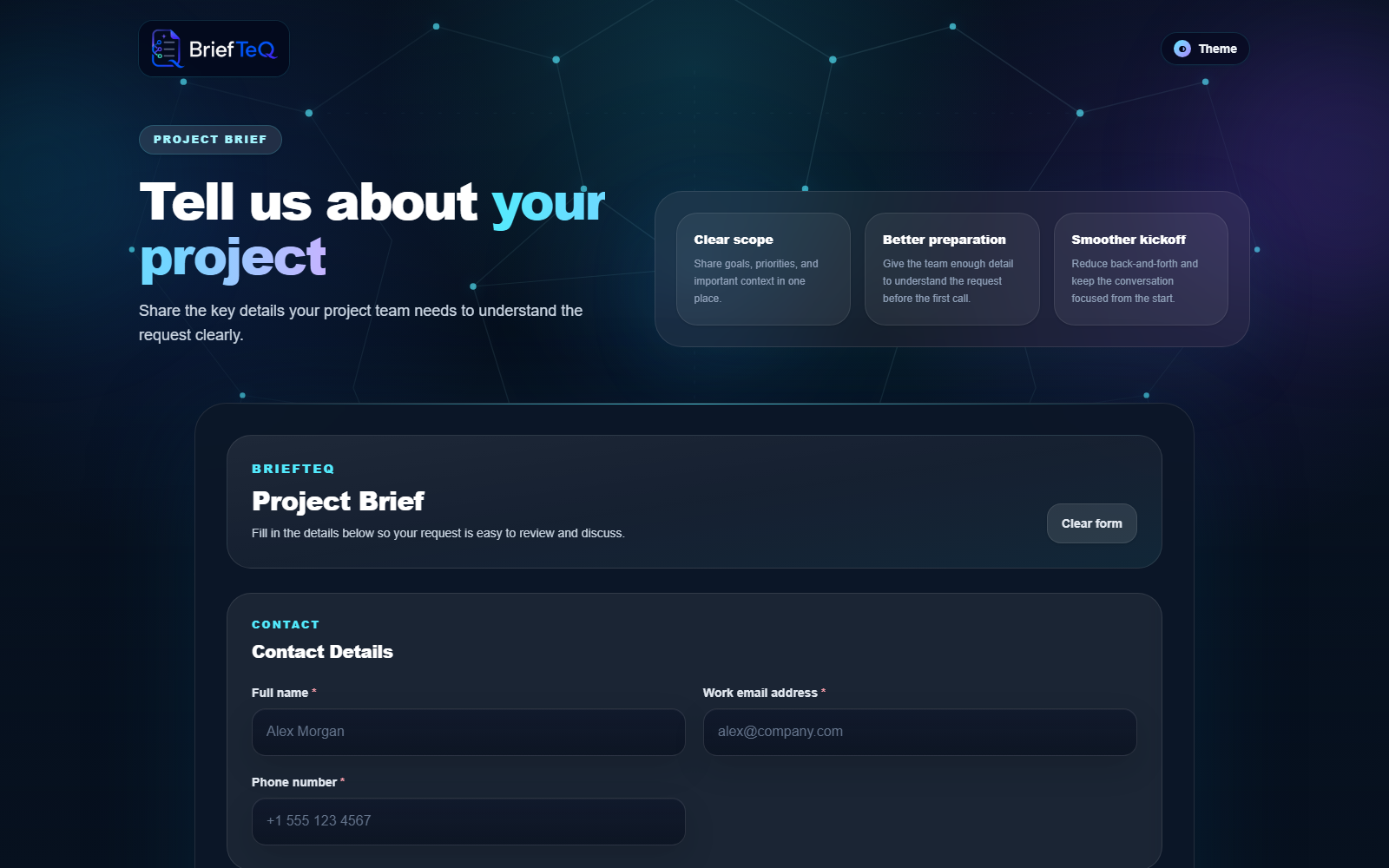
BriefTeQ is an internal AestheTeQs automation project built to develop and demonstrate practical experience with Zapier-based workflow automation.
The project explores the relationship between a custom web application and low-code automation, showing how user or application actions can initiate external workflows instead of requiring every process to be implemented directly inside the application.
BriefTeQ was created as part of AestheTeQs' internal engineering initiative to build hands-on projects around major automation platforms rather than relying only on theoretical platform knowledge.
The primary engineering focus is the orchestration of triggers, actions, webhooks, application data, and external services through Zapier.
Mechanism
Project Description
The challenge
Modern businesses frequently use several applications simultaneously. Information may need to move between:
Building and maintaining custom backend code for every small integration can introduce unnecessary complexity.
The solution
BriefTeQ demonstrates how a custom application can use Zapier as an integration and workflow orchestration layer. Instead of requiring users to manually perform repetitive actions across systems, an application event can initiate a Zapier workflow that executes the required downstream actions.
User Action
    ↓
BriefTeQ
    ↓
Trigger / Webhook
    ↓
Zapier
    ↓
Workflow Logic
    ↓
Connected Application / Action
This architecture makes BriefTeQ an example of how custom software and low-code automation can complement rather than replace each other.
Primary Industry
Workflow Automation / Business Productivity. Applicable areas include:
Roles
Who the End Users Are
Operations teams
Teams that repeatedly move information between applications.
Marketing & sales teams
Users managing lead capture, notifications, follow-ups, or information transfer between tools.
Small & growing businesses
Organizations that require workflow automation but do not necessarily need custom backend integrations for every process.
Internal engineering teams
BriefTeQ also acts as an AestheTeQs reference implementation for evaluating where Zapier fits within custom software architecture.
Core Features
Zapier Workflow Orchestration
The application demonstrates how custom application events can participate in Zapier workflows.
Trigger-Based Automation
Processes begin from defined application or workflow triggers rather than manual repetitive actions.
Multi-Step Workflow Design
Zapier provides the orchestration layer through which an initial trigger can lead to one or more downstream actions.
Integration-Oriented Architecture
The application and automation workflow remain logically separate, making integrations easier to modify.
Reusable Automation Patterns
The same design pattern can be adapted to notifications, lead processing, data synchronization, CRM updates, email workflows, and other operational tasks.
Web-Based Demonstration Interface
A deployed frontend provides a tangible application around the automation workflow rather than presenting Zapier as an isolated scenario.
Technologies Used
| Technology | Purpose |
|---|---|
| Zapier | Workflow automation and SaaS orchestration |
| Webhooks / APIs | Application-to-automation communication |
| JavaScript / Web Application | Application experience |
| Netlify | Frontend deployment |
Scope note: a database, specific email provider, CRM, or AI provider is deliberately not claimed for this project. The available material confirms the Zapier focus but not those specific integrations, so they are excluded until verified against the source code.
Architecture Overview
                   BriefTeQ
                      │
                      ▼
               Web Application
                      │
                      ▼
               Workflow Trigger
                      │
                      ▼
                    Zapier
                      │
            ┌─────────┼─────────┐
            ▼         ▼         ▼
         Action    Transform   Action
                      │
                      ▼
                Workflow Result
The project demonstrates a decoupled automation architecture: the custom application owns the user experience while Zapier coordinates external workflow activity.
Security & Credential Handling
The primary security considerations are around controlled API/webhook communication and avoiding exposure of integration credentials in the public frontend.
Secrets and API credentials should be maintained in protected environment or automation-platform configuration rather than hard-coded into client-side application code.
Deployment & Infrastructure
BriefTeQ's demonstration frontend is deployed on Netlify at briefteq.netlify.app. This provides an independent cloud-hosted application that can communicate with Zapier-managed workflows.
Source Code
    ↓
Frontend Build
    ↓
Netlify
    ↓
BriefTeQ Web App
    ↓
Zapier Workflows
Platform Scale
Rather than artificial usage numbers, the value here is the reusable integration model:
Trigger → workflow orchestration → one or more connected actions → result
The architecture can be applied to a wide range of automation requirements without rebuilding the user-facing application each time.
Internal R&D. BriefTeQ is an internal engineering project rather than a client deployment. Its claims are scoped to what the implementation actually demonstrates — custom software and low-code automation working together, with unverified integrations deliberately left out.